
Info Card Grid Custom Block
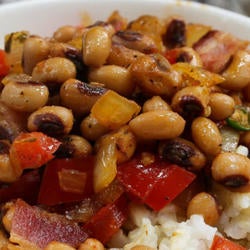
Image and Text
| Column 1 | Column 2 |
|---|---|
| Apples | Oranges |
| Up | Down |
| Behind | Ahead |
| Sunrise | Sunset |
A Table and Text
(Anything you can put into a basic page, you can put into an info card)
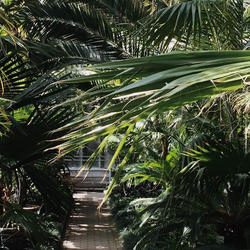
This is how the info grid looks after applying the CNAS view mode. Note the text is left-aligned here. The default version is always centered. Also note in the first card, the image has been centered. In the 3rd card, no alignment has been chosen.
Image and Text
| Column 1 | Column 2 |
|---|---|
| Apples | Oranges |
| Up | Down |
| Behind | Ahead |
| Sunrise | Sunset |
A Table and Text
(Anything you can put into a basic page, you can put into an info card)
If you place your Social Media feeds in Info Cards, they will be scrollable (you can also adjust height and width):
CNAS Instagram Feed
CNAS Facebook Feed